
En esta noticia
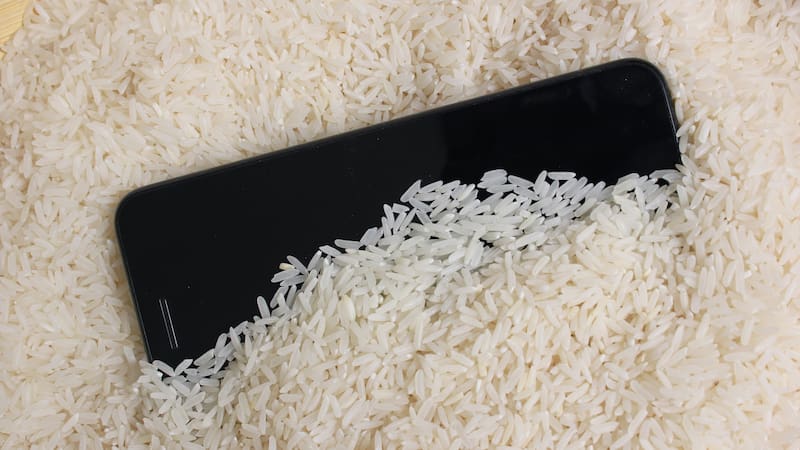
Dropping a phone in the sink, getting caught in the rain or knocking it into a pool are some of the most common accidents for smartphone users. For years, the go-to solution has been the same: put the phone in a bag of uncooked rice and wait. But Apple says that’s a mistake.
In a support document on its website, the company warns users directly: “Don’t put your iPhone in a bag of rice. Doing so could allow small particles of rice to damage your iPhone.” Beyond that risk, tests have also suggested that rice is not particularly effective at drying a device.
Why charging a wet phone is a problem
Recent iPhones can show a “Liquid Detected” alert when there’s moisture in the charging port. Apple advises against charging the phone until both the device and the cable are completely dry.
“If you charge your iPhone while the Lightning or USB-C connector is wet, the pins on the connector or cable can corrode and cause permanent damage or stop functioning,” the company explains.
What Apple recommends doing instead
If your phone gets wet, Apple suggests these steps:
- Unplug the cable from the phone and from the power adapter.
- If it was splashed with something other than water, rinse the area with tap water.
- Wipe it with a soft, lint-free cloth.
- Tap it gently against your hand with the charging port facing down to remove excess liquid.
- Leave it in a dry place with some airflow. A fan blowing cool air into the port can help.
After at least 30 minutes, you can try charging it again. If the alert appears again, there’s still liquid inside, and it can take up to 24 hours to dry completely.
What you should avoid doing if your phone got wet
Apple also lists two other common mistakes:
- Don’t use heat or compressed air, such as a hair dryer, to dry the phone.
- Don’t insert objects like cotton swabs or paper towels into the charging port.
Although many recent iPhones are water-resistant, that protection is not unlimited. If the phone still doesn’t work after drying, the best option is to contact Apple support or an authorized repair provider.