
En esta noticia
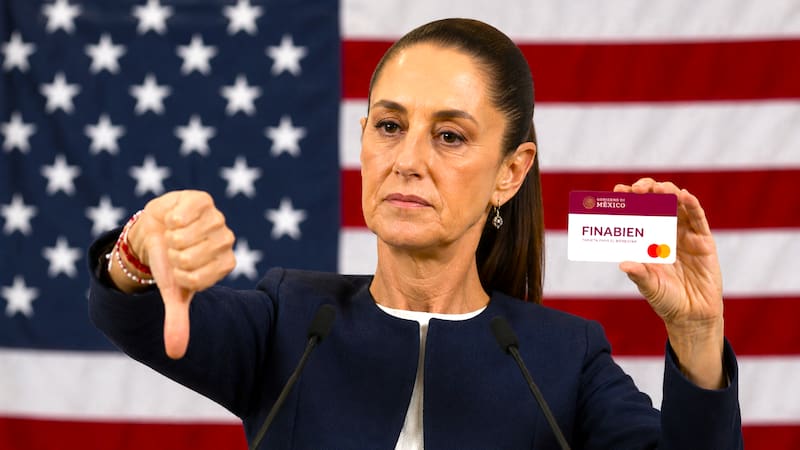
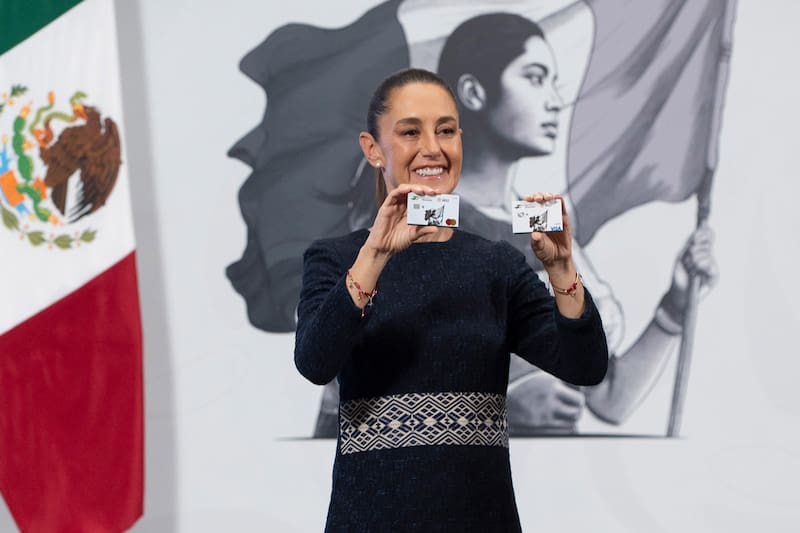
The FINABIEN card, managed by the institution Financiera por el Bienestar, is an alternative used by Mexicans and Americans living in the United States to send remittances.
This option is presented as a way to avoid the 1% tax that the One Big Beautiful Bill fiscal reform applies to remittances backed by physical instruments, such as cash or money orders.
To process it from the United States, the requirement Mexico demands is the presentation of all the documents included in the official list released by the authorities.

FINABIEN card: complete list of documents that must be presented to be able to process it in the United States
According to what was reported by the Mexican authorities, the FINABIEN USA card can be requested at any of the 53 consulates of Mexico and, for the process to be enabled, the following must be presented
- Mexican or American identification, such as INE, passport, consular registration card, or Mexican or U.S. driver’s license.
- Email address.
- Valid address in the United States.
- Cell phone number.
How the FINABIEN card is activated
If you have not registered, during the process you must select the “Do you already have a physical card?” function and follow the steps to activate it.
If you have already registered and have an account, you must log in to the Wellbeing Financial App and then go to the accounts section, locate the card, and verify that the “Active card” button is green.
If you cannot find it, in the “accounts” section, the user must go to “Do you already have a physical card? Add it here” and enter the details.
How much money can be sent and what fee applies?
This prepaid Visa allows transfers of up to $2,500 per day for USD 2.99 when sent to Mexico.
The maximum balance that can be held is USD 20,000, and up to USD 15,000 in monthly transfers is allowed.
All limits and fees can be consulted by clicking here.

How to use the FINABIEN card to send money
The authorities indicate that there are two ways to send money to another FINABIEN account
- By contact, with phone number
- Through fast transfer to cards
1- By contact
- Locate the card
- Tap the “Send money” option
- Select, as appropriate, “To your contacts in Mexico” or “To your contacts USA”
- Search for the contact or add it manually.
- Select the country where the contact is located and add an alias.
- Enter the amount, concept, and then the “Continue” option
- Confirm the details and finally press “Send money”
2- By fast transfer between cards
- Locate the card
- Tap the “Send money” option
- Select “Between cards”
- Choose “Fast transfer to cards”
- Enter the 16 digits of the destination card
- Enter the amount, concept, and then the “Continue” option
- Confirm the details and finally press “Send money”