
En esta noticia
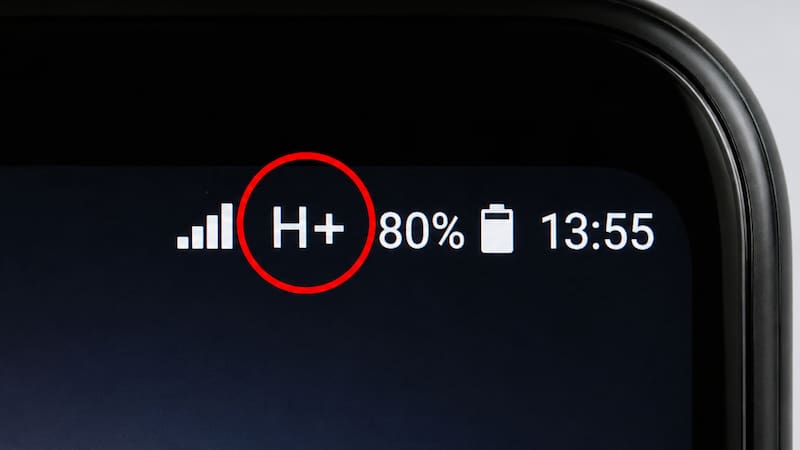
Some users noticed that, next to the cell phone signal bars, the H+ symbol appears instead of 4G or 5G.
Although many people overlook it, this indicator can explain why the Internet connection works more slowly than expected.
Knowing what it represents and how to get the device to connect to a network faster can help improve browsing speed and optimize the use of apps, videos, and social media.
What does the H+ symbol that appears on the cell phone mean?
The H+ symbol indicates that the phone is connected to an HSPA+ (High Speed Packet Access Plus) network, an evolution of 3G technology that offers speeds higher than those of that generation, although lower than 4G LTE and 5G networks.
This indicator usually appears when the device cannot connect to a more modern network, either due to lack of coverage, network congestion, or the phone’s own settings.
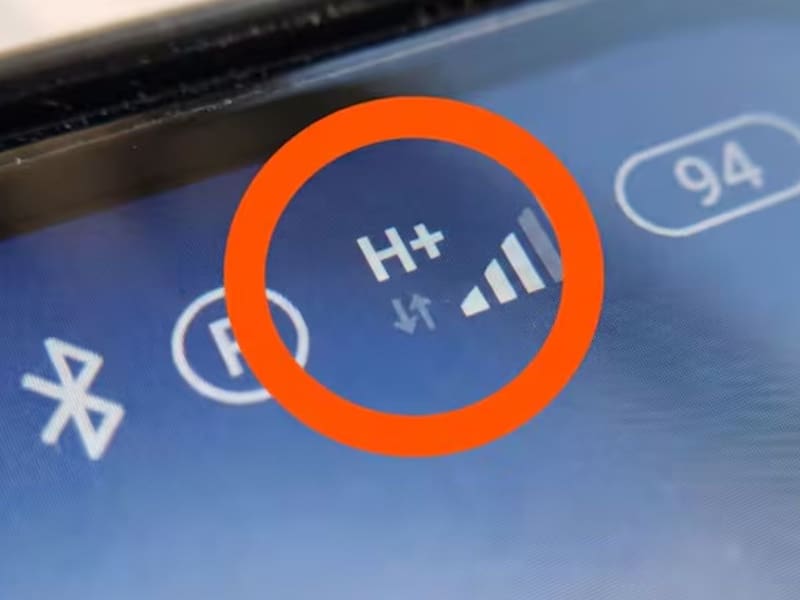
In other words, the cell phone still has access to mobile Internet, but the speed may be lower compared with a 4G or 5G connection.
Why does H+ appear instead of 4G or 5G?
There are several reasons why the phone may show this symbol.
Among the most common are:
- The area does not have 4G or 5G coverage.
- The carrier is providing service through an HSPA+ network.
- The phone’s settings limit the type of network used.
- There are temporary coverage problems or congestion in the mobile network.
In many cases, the switch between H+, 4G, and 5G happens automatically as the user moves between different coverage areas.

How to remove the H+ symbol and improve your cell phone signal
If the phone stays connected to an H+ network for a long time, you can take some steps to try to restore a faster connection.
Specialists recommend:
- Turn airplane mode on and off for a few seconds to force a new connection to the network.
- Check that the phone has the 4G/LTE or 5G option selected as the preferred network in the settings.
- Restart the device.
- Make sure the SIM card is inserted correctly.
- Move to an area with better coverage if the signal is weak.
If after these steps the symbol continues to appear, it is possible that the available network in that place is only HSPA+.
How to improve mobile Internet speed
Beyond checking coverage, there are other recommendations for getting better connection performance:
- Keep the phone software updated.
- Avoid apps that use data in the background.
- Restart the device periodically.
- Confirm with the carrier that the plan you signed up for includes access to 4G or 5G networks.
- Check that the network setting is selected in automatic mode or in the fastest compatible technology.