
En esta noticia
In the United States, the State Department sets specific requirements and steps to renew the passport by submitting Form DS-82, and any mistake that does not take any of these aspects into account can cause the agency to reject the process.
A very common mistake that causes an automatic rejection is submitting Form DS-82 in a format that is not authorized. When this happens, the process is suspended until the applicant sends the documentation correctly.

United States Rejects All Passport Renewals: What Is the Mistake Many Make?
One of the most common mistakes is submitting the form in formats that are not accepted, such as:
- Forms completed by hand.
- Forms printed double-sided.
This document must be completed using the digital tool enabled called “Form Filler” found on the State Department’s official website.
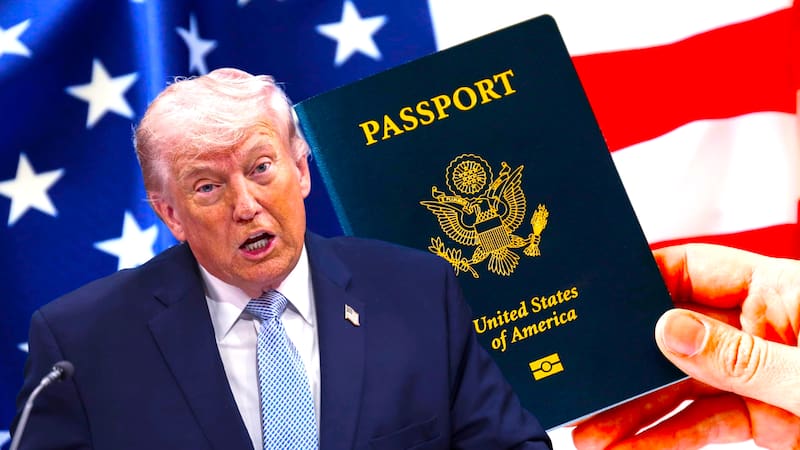
Step by step: correctly completing and submitting Form DS-82
According to the State Department, the following steps must be followed:
- The online system generates a barcode with the information of the person requesting the renewal to facilitate processing.
- Print the Form DS-82 with one page per sheet.
- Sign by hand in the indicated space and add the corresponding date.
Any missing or incorrect information can cause delays in processing.

What else is needed to access passport renewal?
To renew the passport, the applicant must present the following documentation:
- Passport to be renewed.
- A recent photograph that meets the standards set by the State Department.
- Provide a Social Security Number (SSN).
- Pay the applicable fees.