

En esta noticia
Since the mass use of smartphones became the norm, one of the most recurring problems, particularly in phones that are not high-end, is that their operation becomes increasingly slower.
This does not always mean that you have to replace the phone or use the famous trick of “factory reset” to make it work like new. Operating system manufacturers such as HONOR and Apple recommend some measures to improve performance and regain speed.


What are the reasons why a phone starts working more slowly?
Apps freeze, the screen locks up, and the simplest tasks, such as using the keyboard to type a message, become very tedious. This has different reasons depending on the operating system.
On Android, factors such as:
- Full storage.
- Too many apps running in the background.
- Outdated software.
- Wear and tear on components.
On iOS, other factors may interfere, such as:
- Battery deterioration.
- Extreme temperatures.
- Internet connection problems.
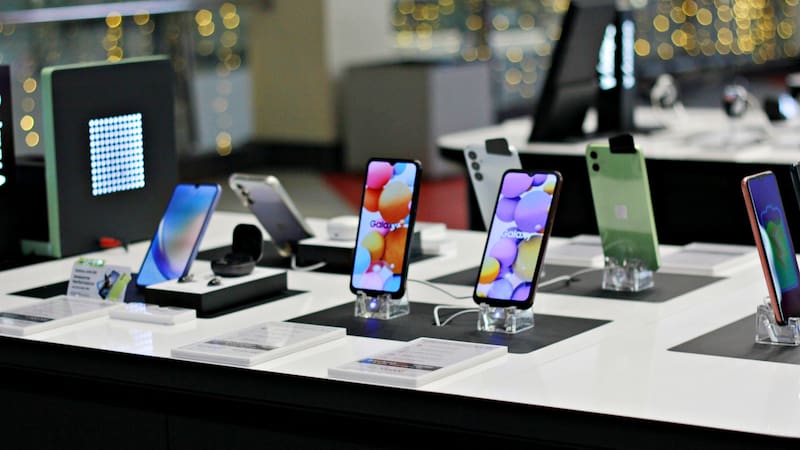
What do Android manufacturers recommend?
HONOR, an innovative Android manufacturer, recommends a series of measures to improve performance without having to factory reset it:
- Restart the phone: this allows active processes to be closed and system resources to be freed up.
- Update Android: installing new available versions makes it possible to correct errors, improve security, and optimize compatibility with apps.
- Free up storage space: deleting unnecessary files, photos, and apps can help recover some space.
- Clear app cache: some tend to accumulate a lot, although these are generated again after a while.
- Uninstall or disable apps that are not used: this helps reduce unnecessary consumption of resources.
- Reduce system animations: this can make transitions feel faster.
Likewise, they also suggest limiting certain background processes through developer options, but this must be done with caution since it may affect the operation of some apps.
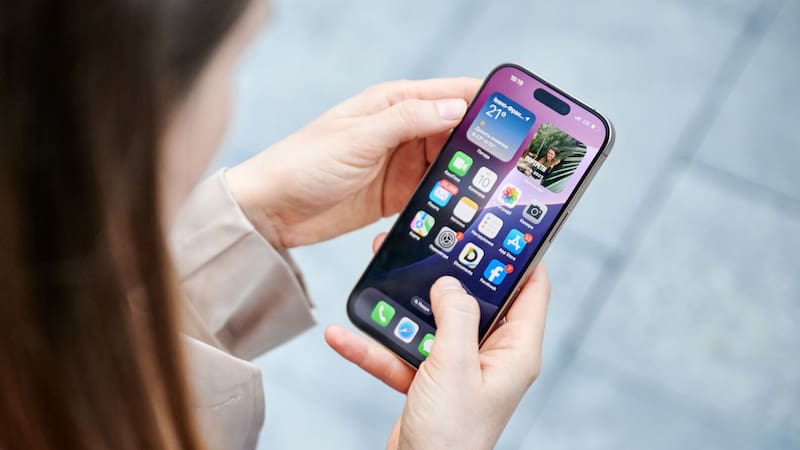
What do iOS manufacturers recommend?
The main iOS manufacturer, Apple, released an official guide with recommendations to improve performance when the iPhone -or even the iPad- begins to show performance issues.
The main measures proposed are:
- Check the internet connection: a slow or congested network can cause delays in apps that need connectivity.
- Close only unresponsive apps: constantly closing apps can have the opposite effect because their data has to be loaded again.
- Keep free space: keep at least 1 GB of available storage to avoid performance issues.
- Delete or offload apps: from Settings, General, and iPhone Storage you can free up space. The option to offload an app allows you to keep its documents and data.
- Check Low Power Mode: when this function is enabled, certain device activities are reduced to save battery, so some tasks run more slowly.
- Avoid extreme temperatures: both excessive heat and cold can affect performance.
- Check battery health: these components lose capacity and performance with use, so they eventually need replacing.
When is it time to change your phone?
In the case of Android, manufacturers such as HONOR recommend that if the device continues to run slowly after trying to optimize its performance, a device replacement could be considered. This can happen when the phone’s components no longer have enough capacity to run the latest apps and operating systems.
In the case of iOS, Apple recommends checking the battery health first, since its deterioration can affect performance. Replacing the battery or requesting a technical inspection may be an alternative to buying another device.
In general terms, replacing the phone can be considered when performance problems persist, the device no longer adequately responds to the user’s needs, or its technical limitations make regular use difficult.