
En esta noticia
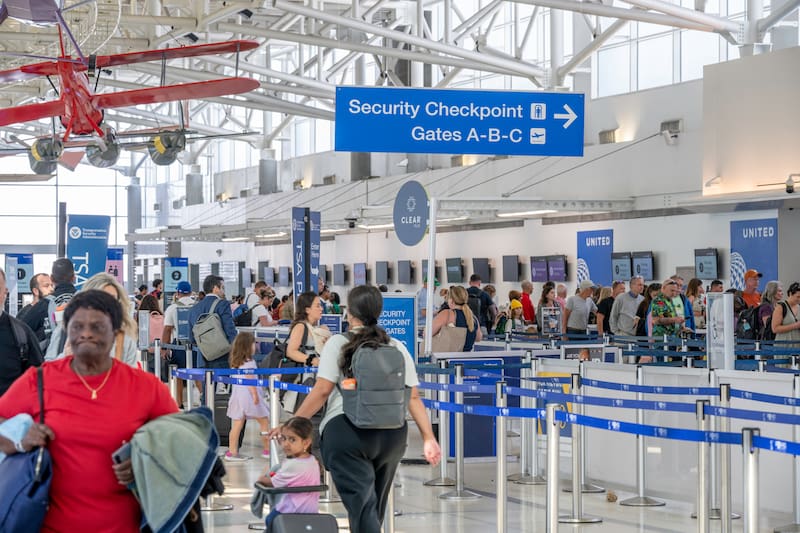
Travelers who do not have REAL ID, a passport, or another accepted identity document can use TSA ConfirmID, a system that allows them to try to verify their identity by paying $45, to continue with the security process before boarding a domestic flight in the United States.

Since February of this year, the measure has operated as an alternative for those who cannot present the documentation required by the Transportation Security Administration (TSA).
How TSA ConfirmID works
TSA ConfirmID is an alternative procedure that allows travelers without an accepted ID to request an identity verification at airport security checkpoints. The service is voluntary and costs $45 per person.
According to official TSA information, the goal is to verify passengers’ identities and determine whether they may continue through security screening. The agency explains that it is a modernized process for those who cannot present the required documentation.
The system can be used when a person has lost their document or does not have a REAL ID, a passport, or another valid ID. However, it does not replace the obligation to undergo security screening or guarantee access to the boarding area.
The TSA estimates that the verification can take between 10 and 15 minutes, although it warns that the procedure could take an additional 30 minutes.
How to pay the $45 for TSA ConfirmID
The payment must be made online through Pay.gov, the federal government’s official payment platform. The TSA says that the fee cannot be paid in cash at the airport or directly to its agents.
Travelers must follow these steps:
- Enter the official portal: Access the TSA ConfirmID form on Pay.gov.
- Fill in the passenger information: Enter the legal name and the start date of the trip. It is important to review the information before confirming payment. Each adult aged 18 or older who needs to use the service must complete their own process.
- Pay the fee: Pay the $45 using a bank account enabled for ACH transfers, debit card, credit card, Venmo, or PayPal. The payment may be made by another person, as long as the traveler’s information is entered correctly.
- Save the receipt: Keep the confirmation email sent by Pay.gov, either as a screenshot or a printed copy.
- Present the receipt at the airport: Show the receipt to a TSA agent to begin the identity verification procedure. The fee allows TSA ConfirmID to be used during the 10 days following the travel date shown on the receipt.
It should be noted that Pay.gov announced a scheduled outage for Treasury Department maintenance on October 24, between 18:00 and 20:00, Eastern time.
During that period, payments cannot be processed, so it is advisable to complete the process in advance if the trip coincides with those dates.
Can you fly without REAL ID in all 50 states?
The federal identification rule applies to domestic flight security screening nationwide. For that reason, passengers traveling between states must present an accepted ID or use an available alternative, such as TSA ConfirmID, if they do not have a valid document.
Since May of last year, travelers aged 18 or older must present a REAL ID or another accepted ID to pass through TSA security screening on domestic flights.
Documents that can be used include:
- U.S. passport or passport card.
- REAL ID-compliant driver’s license or state ID.
- U.S. Department of Defense IDs.
- Trusted traveler cards issued by the Department of Homeland Security.
- Photo IDs issued by federally recognized tribal nations.
- Certain enhanced licenses and other IDs included on the TSA official list.
- Certain legal IDs that meet its requirements. Check the applicable conditions and bring the corresponding physical document.