
En esta noticia
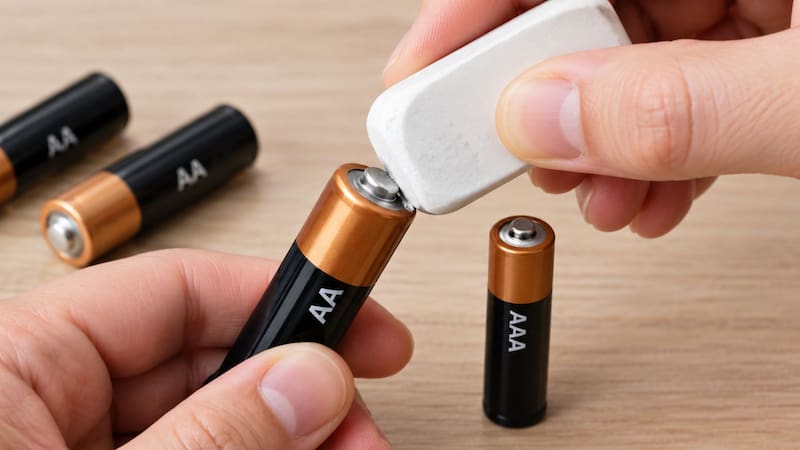
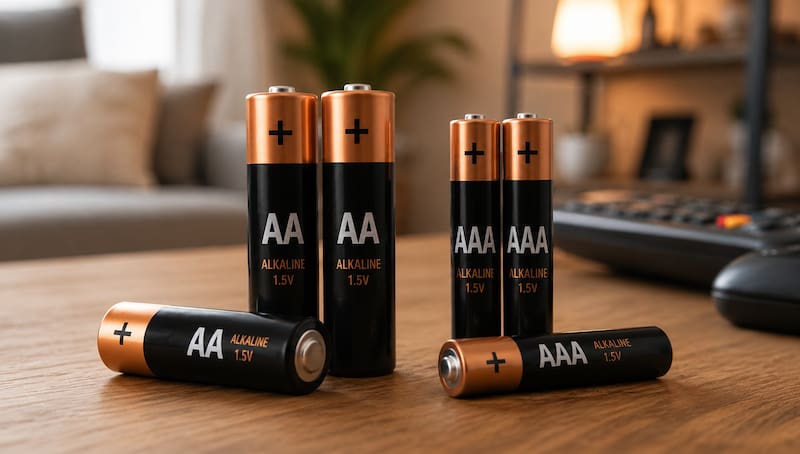
A very popular home trick promises to extend the durability of your batteries, but it is important to understand what really happens when you rub an eraser on AA and AAA batteries.
At first glance, it may seem like a myth without scientific basis, but this simple technique hides a very practical physical principle. If your electronic devices stop turning on or your rechargeable batteries fail to charge, before discarding them it is worth trying this method.

What is rubbing an eraser on AA and AAA batteries for?
The main function of this technique is to remove the invisible layer of dirt, hand grease and micro-oxidation that accumulates on the metal terminals or contact points of the battery. With everyday use, this buildup acts as an insulating barrier that increases electrical resistance, preventing current from passing optimally to the device compartment.
By passing the eraser over the positive and negative poles, you achieve:
- Restore connectivity: removes surface dirt so the contacts can once again make a clean metal connection.
- Revive inoperative devices: in many cases, the batteries still retain chemical charge, but the device does not turn on due to poor electrical contact.
- Optimize rechargeable batteries: fixes charging failures in battery stations or chargers caused by dirty terminals.
Why do electronics experts recommend this home trick?
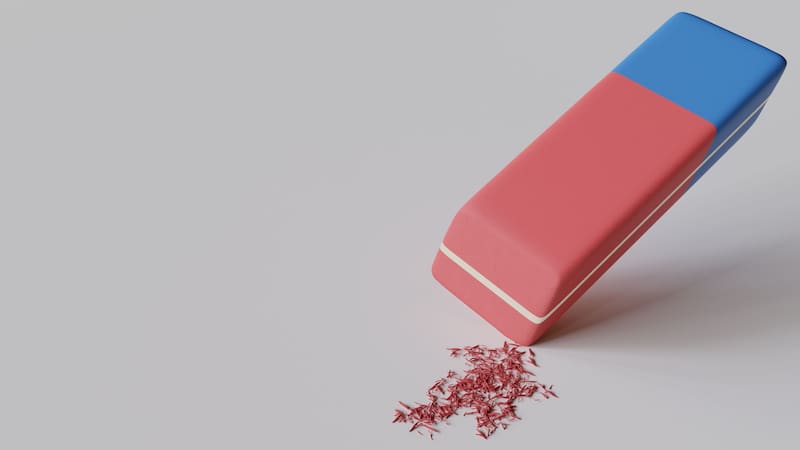
According to technicians and hardware maintenance engineers (such as those certified by CompTIA and the IEEE), the eraser acts as an extremely efficient soft abrasive . Unlike sandpaper, a file or steel wool, the rubber or vinyl eraser removes surface rust without scratching or wearing away the delicate nickel or copper coating on the terminals, preventing premature corrosion in the future.
For this reason, battery manufacturers such as Energizer and Duracell, as well as high-precision photography brands such as Canon and Nikon, mention in their manuals and service guides the use of pencil erasers or dry rough cloths to clean electronic contacts and solve false power contacts.
Does this method really extend battery life?
It is important to clarify a common myth: rubbing the outside of the battery does not regenerate or react with the battery’s internal chemical composition.
However, it does extend the battery’s “useful” or usable life, since it allows you to extract the very last bit of available energy that was previously blocked by the insulation caused by dirt.

How do you apply the technique correctly step by step?
To apply this preventive maintenance to your batteries and devices safely, follow these recommendations from the specialists:
- Take a clean eraser and rub firmly, but gently, the metal tips (the positive and negative terminals) until they shine.
- Also clean the springs and coils in the device compartment.
- Critical step: carefully remove the eraser residue and shavings with a dry cloth or a cotton swab with isopropyl alcohol so as not to leave abrasive particles inside the device.