
En esta noticia
The router is the central device that distributes the internet signal in the home, allowing cell phones, computers, and other devices to connect. However, its performance can be affected by multiple factors such as location, nearby objects, or interference.
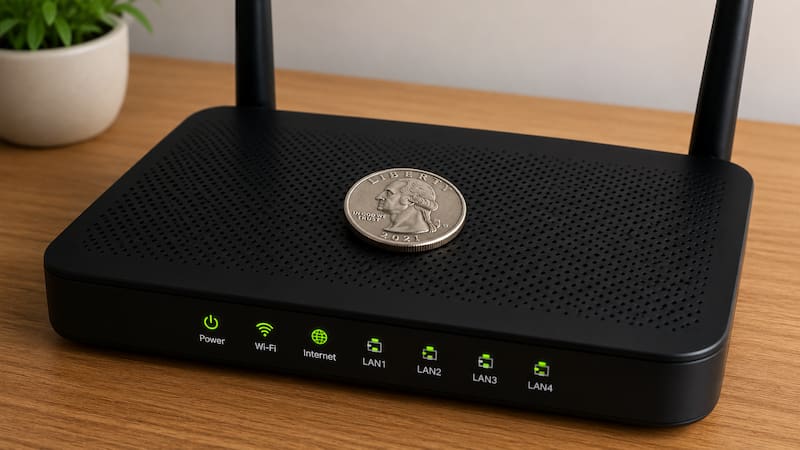
For that reason, there are many home tricks circulating on social media to improve performance in a simple way. One of the most viral suggests placing a coin on the modem or router to improve WiFi strength and prevent it from dropping or working slowly.
Does placing a coin on the modem improve the WiFi signal at home?
Having an inadequate WiFi signal at home can become a frequent problem, especially when relying on internet for work, studying, or enjoying content that requires connectivity. In this sense, there is a method that could help improve the connection and only a coin is needed.
The main argument of those who suggest placing a coin on the modem is that the coin’s metal could affect the distribution of the WiFi signal inside the home, making it easier to redirect the waves toward certain areas.
According to this hypothesis, the coin would act as a device capable of altering the behavior of the signal, boosting its range so that it reaches farther with greater strength and minimizing any losses it may experience.
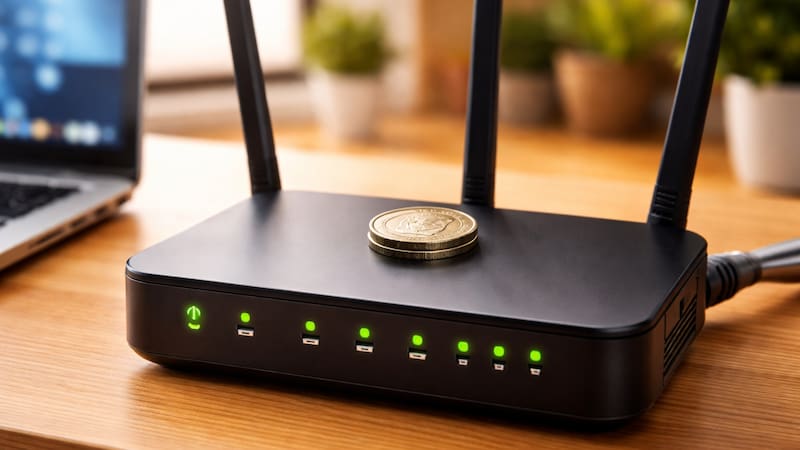
However, it is important to note that, from a technological perspective, there is no evidence supporting this claim. Although some users may notice benefits, WiFi signal improvements should be implemented through proper router configuration.
Why not place metal objects near the router
Many experts in technology, telecommunications, and internet installations indicate that placing metal objects on or near the router does not improve the signal, but can instead generate interference.
This is because metals tend to block or deflect electromagnetic waves, negatively affecting the quality of the connection.
In addition, partially covering the modem could make it harder for the equipment to ventilate, which causes failures in proper long-term operation.
Tips to improve the WiFi connection at home
There are various factors that can influence the WiFi signal strength.
To avoid connection losses, there are a number of tricks that help achieve a much more stable connection.

The most effective tricks to increase Wi‑Fi power:
- Avoid interference: keep it away from metal objects, thick walls, and large furniture that block the signal
- Modem placement: place it in a central, elevated spot to better distribute the signal throughout the house
- Distance from other devices: place it far from appliances that may generate interference in the connection
- Device restart: turning the router off and on periodically helps optimize its performance
- Equipment update: using more modern devices improves WiFi range and stability
- Use of repeaters: adding amplifiers allows the signal to be extended in large homes or homes with several rooms
Where they do not recommend placing the router at home
According to technology experts, there are places in the house where you should not put the wifi router:
- Kitchen, it can cause interference and possible accidents
- Windows, since public networks can interfere with your signal
- Near large metal objects.